
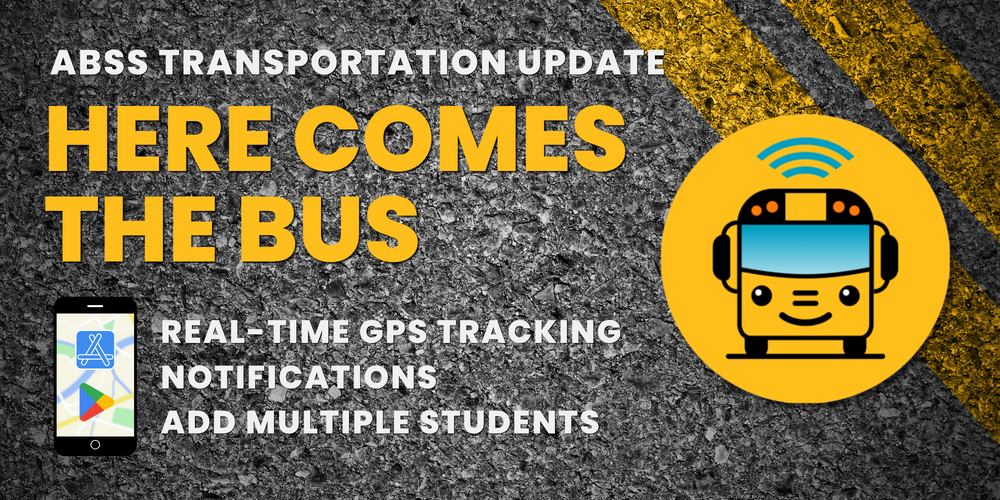
The Alamance-Burlington School System Transportation Department has been hard at work preparing for the upcoming school year, introducing a new tool designed to make school commutes safer, smoother, and more convenient for local families.
This school year, we are launching Here Comes the Bus, a free, user-friendly mobile app and website that allows parents and guardians to track the real-time location of their child’s school bus.
By leveraging GPS tracking technology already installed on district buses, Here Comes the Bus gives parents secure, up-to-the-minute visibility into bus routes, helping families better plan their morning and afternoon routines.
Key Benefits for ABSS Families
Real-Time GPS Location: View a map showing the exact location of your child's bus as it travels its route.
Customizable Approach Notifications: Set up custom radius alerts (via push notifications or email) to know when the bus is getting close to your stop.
Multi-Student Management: Easily track all children in your household from a single account, even if they ride different buses or attend different schools.
Shared Access: Share account access with trusted family members or caregivers to keep everyone in the loop.
How to Sign Up
Setting up an account takes just a few minutes. Parents and guardians will need their child's Student ID number and the ABSS District Code: 74462.
Download & Access: Download the free Here Comes the Bus app from the App Store or Google Play, or visit herecomesthebus.com.
Sign Up: Click the “Sign Up” button on the home screen.
Enter District Code: Type in district code 74462 and click “Next,” then click “Confirm.”
Create Profile: Fill in the requested information to complete the “User Profile” section.
Add Your Student(s): Under the “My Students” header, click “Add.” Enter your child’s last name and student ID number.
Confirm District: Click to confirm that you are registering for the Alamance-Burlington School System.
Activate Account: Check your inbox for a verification email and click “Activate My Account” to finish.
Resources & Downloads
To view step-by-step instructions or print a guide, download our official flyer available in both English and Spanish: Download the Here Comes the Bus Flyer (English & Spanish)